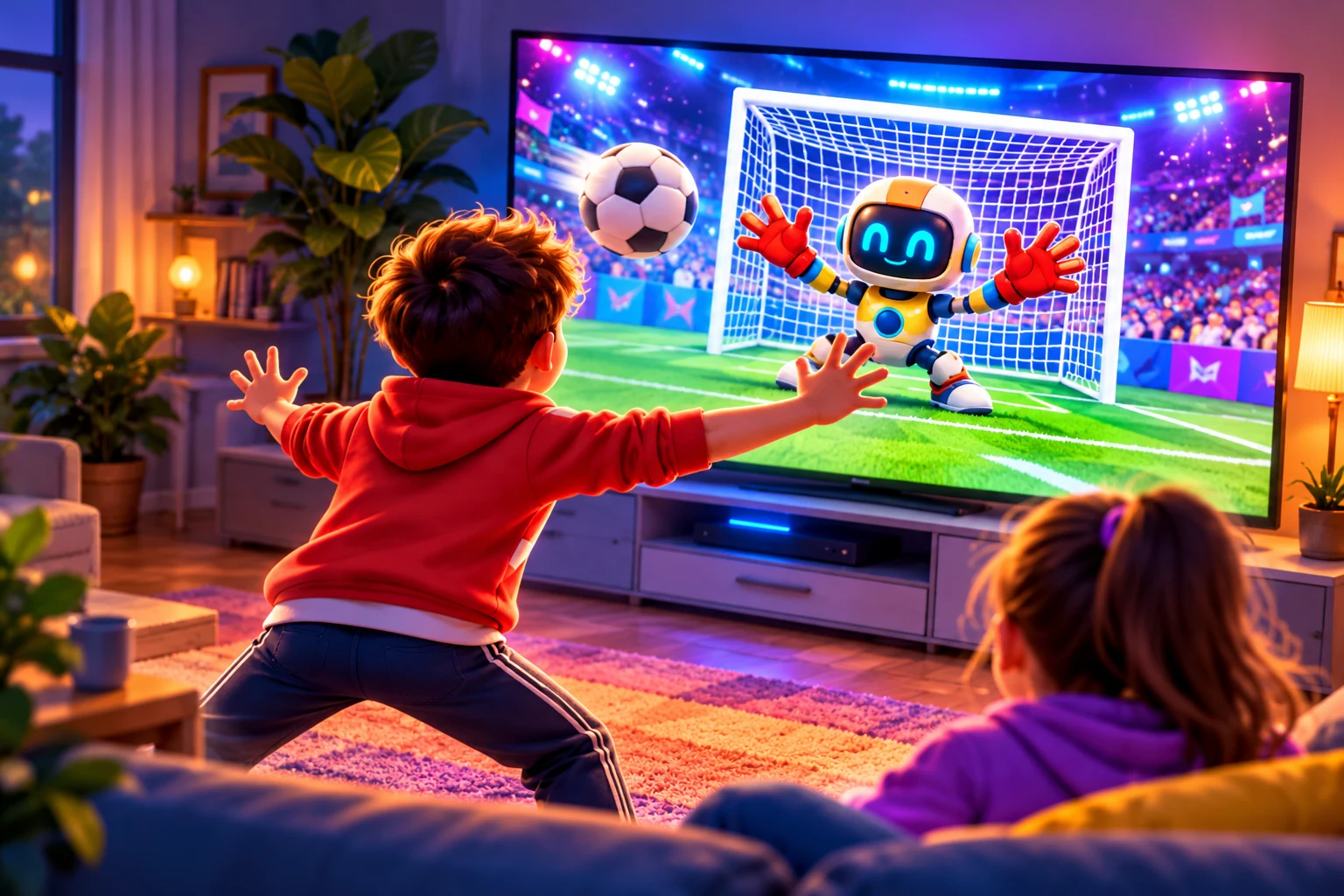
Your
Motion Arcade
Move • Play • Have Fun Together!
for motion controls
becomes the controller
or 2 players
No console needed Works on TV, desktop, laptop, phone & tablet
Get set up in seconds
Choose your device and follow the steps. Then enable your camera to start playing with motion controls!
Camera starts only when you choose. Your movement controls the games!
Step-by-step help
Pair by QR code. Your laptop remains the game screen.
Other TV setup options
TV browser + phone camera is the first choice. The TV needs a browser that can run BINX’s WebGL games and a phone that supports camera access.
Screen mirroring — experimental. iPhone/iPad can mirror to an AirPlay-compatible TV or receiver on the same Wi-Fi. Some Fire TVs can use AirScreen if it is available in their Amazon Appstore; app limits or charges may apply.
Android mirroring depends on your phone and TV or receiver. BINX does not provide a universal Cast connection. Mirroring may add severe delay and is not verified on every device. Start mirroring in your device settings; Stop Camera does not stop system mirroring.
Motion Games
Camera is off. Keyboard/touch controls are available.
Body diagram and calibration
Bowling scorecards
How to play & camera help
Basketball and boxing: two players stand in separate left/right camera spaces, facing the camera. Boxing is non-contact: do not face or hit another person. Make comfortable air punches without locking your elbows. Bowling: take turns in the same camera space; the screen names the current player. The game does not verify who is taking a turn.
Menu camera pointer: lower your hands when a menu opens, then raise one hand and hold over a button for 1.2 seconds; move deliberately to another choice. Use Pause to open the menu. Brief tracking flickers or a partly hidden body clear stale actions without pausing. Leaving the camera view pauses the game. When fresh tracking returns after a temporary interruption, a visible countdown resumes play. If you deliberately choose Pause, choose Resume Game when ready. Temporary connection loss reconnects automatically while the phone camera page stays open. Stop camera or leaving the camera page turns capture off; enable motion again explicitly to continue.
For TV play, open the game in the TV browser and use your phone camera through QR pairing. On a tablet, play here with This device selected; no mirroring is needed. Screen mirroring is an experimental fallback and may have severe delay. Optional mirroring / AirScreen setup. System mirroring is separate from camera Stop. This page cannot detect receiver disconnect or certify JVC compatibility. Phone QR setup supports the shared motion games. Snack Slice opens separately and asks you to start its camera. Camera pictures stay on the phone.
Arcade physics and 2D motion estimates; no real ball, force, fist or injury assessment. Natural movement, two-player ownership, device latency and heat need adult hardware testing. Children’s legal/privacy release review remains open. No account, ads, microphone or persistent progress.
Big smiles. Little everyday adventures.
Quick games, comfortable moves and a new best to chase.
A LITTLE HELP BEFORE YOU PLAY
A Few Things
You Should Know
Simple answers. More time for fun.
Visit the parents’ area ↗Do I need a console or special controller?
No dedicated console needed. Play with a supported device camera, or pair a phone camera with another screen. Keyboard and touch are available too.
How much space do I need?
Keep a clear, comfortable space around you. Set the camera securely so it can see your shoulders, elbows and hands. Follow the visual guide, move gently and take breaks.
Can I change games without reconnecting?
Yes — use Change Game in the same page to keep your camera session. Changing player count may need a setup check. After Stop, leaving the page, backgrounding or a lost connection, reconnect when prompted.
How do the camera and motion controls work?
Read the Camera & Motion guide ↗ for the full explanation, setup and connection help.
Can we play together?
Hoops and Road Rush have one- or two-player modes. Bowling supports one player or two taking turns. Goalkeeper is a one-player challenge. These are shared-screen games, not online multiplayer.